PDF interior
Pure black text (100% K), TrimBox and embedded fonts, with mirrored print margins. It is the file your printer or Amazon KDP asks for.
Automated book typesetting
Upload your Word file and get the book interior as a press-standard PDF, a cover template with the exact spine width, and the EPUB. The preview is free: you only pay if you like what you see.
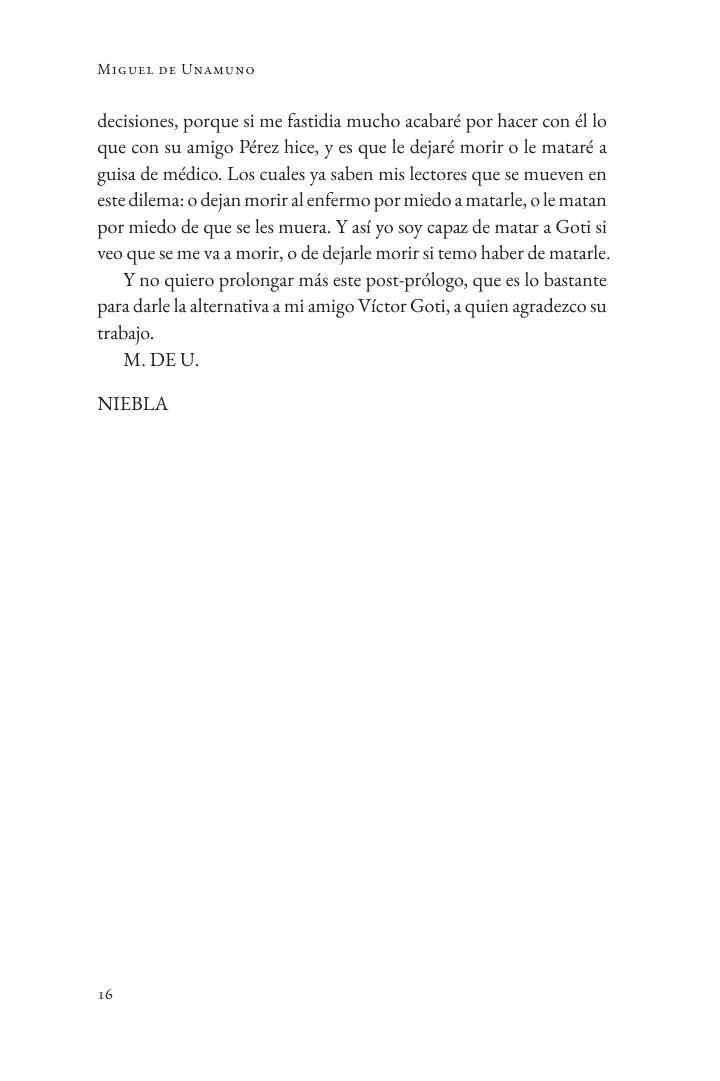
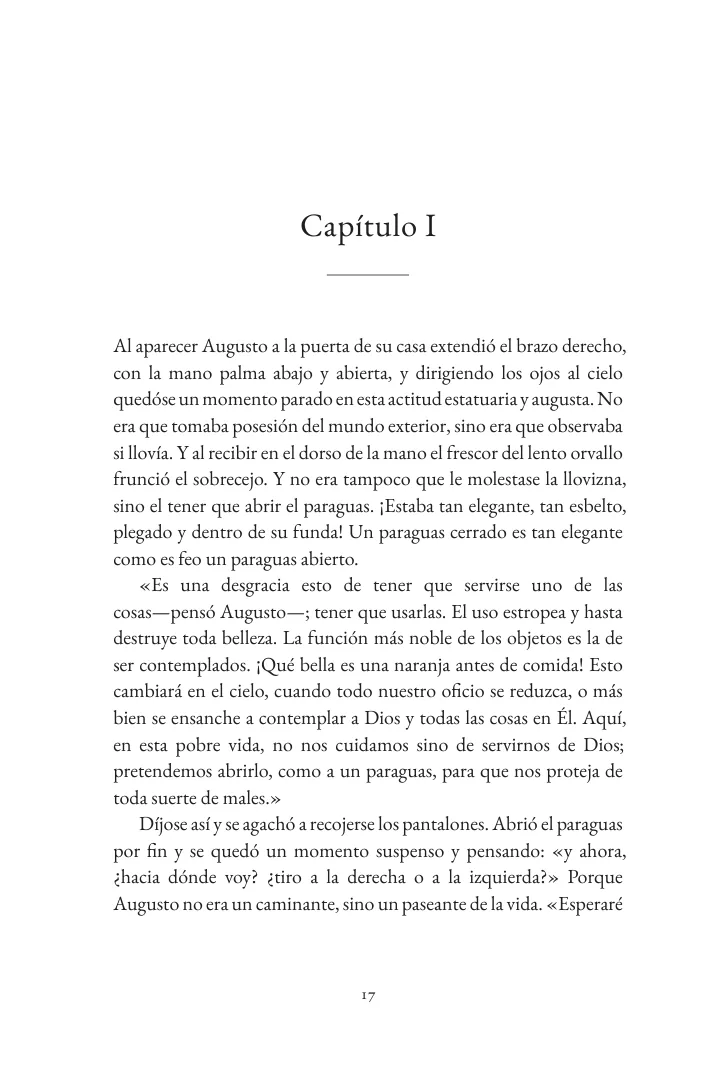
How it works
Word (.docx), Markdown or plain text. TypeReady recognises chapters, footnotes, images and tables, and shows you the list of chapters it found.
How should my file be prepared?Six editorial styles, ten trim sizes, paper and binding. Within seconds you see the two-page preview, the calculated spine and the price.
After paying, you see the whole book, correct it if needed and download the final files, without watermark, once you're happy with it.
Try it now
No sign-up. Upload your manuscript or use a sample book, and check the two-page preview before you pay.
Upload your Word (.docx) manuscript or try a sample book. Preview real facing pages with print margins, calculated spine width, and instant pricing—no $150+ software needed.
What you get
Pure black text (100% K), TrimBox and embedded fonts, with mirrored print margins. It is the file your printer or Amazon KDP asks for.
At full size, with the spine calculated from your page count and paper, the bleed and the safety guides. For Amazon KDP it uses Amazon's official formula.
The same book as an EPUB3, ready for Kindle, Apple Books and Kobo.
Every book goes through a prepress check: embedded fonts, image resolution and colour, overflowing text, blank pages and Amazon KDP's page limits. If something needs your attention, you see it before paying.
Pricing
The price depends on the length of the book and on its photos and tables. You see the exact price, itemized, in the preview before paying.
from US$19
Automated. After paying, you review the whole book and download whenever you're ready.
from US$59
A person reviews and adjusts your book. Final version within 24–48 business hours.
Frequently asked questions
Word (.docx), Markdown (.md) and plain text (.txt), up to 90 MB. If your book is in another format, save it as .docx from your word processor.
Yes. You can choose the KDP trim sizes (5 × 8, 5.5 × 8.5 and 6 × 9 inches) or printer sizes such as 14 × 21 and 15 × 23 cm. The cover template calculates the spine from the page count and the paper; for KDP it uses Amazon's official formula.
The Express plan starts at US$19 and the Print-Checked Pro plan at US$59 per book. The first 10 photos and tables are included; the price goes up with length (over 60,000 words) and with more photos or tables. You see the exact price, itemized, before paying. There is no subscription.
You pay online with Flow or MercadoPago, in Chilean pesos; TypeReady never sees or stores your card details. The charge is made by Queltehue SpA (Chile) and the payment receipt is emailed to you; if you need an invoice, write to us before paying. As soon as the payment is confirmed we send you the link to your order: there you review the whole book, correct it if needed and download the final files when it's ready.
Yes. The preview is free and you can repeat it with a different style, trim size or paper. It shows watermarked pages of your book, the print specification sheet and the quality-control alerts.
Your file is private: it is not published, not shared, and not used to train artificial intelligence models. Files from previews that are not paid for are deleted automatically after 48 hours.
Spanish, English, Portuguese and French. TypeReady applies the hyphenation, quotation marks and labels of each language.
Yes. You have 14 days to ask for a full refund as long as you haven't downloaded the final files. If a defect on our side shows up after downloading, we fix it or refund you. Write to support@typeready.app.
No. We give you the files ready for the print shop of your choice or for Amazon KDP. You get the printing quote and pay for it directly with them.
We don't design the cover. We give you a full-size template with the exact spine, bleed and safe areas, so you or your designer can create it.
See how your book looks once it is typeset. The preview is free and you do not need an account.
Upload my manuscriptRight of withdrawal: you can get a full refund within 14 days as long as you have not downloaded the final files. For 48 hours after paying you can review the whole book and correct it up to 3 times at no cost. Once you download the final files, the service counts as delivered and the right of withdrawal ends.
Charged by Queltehue SpA (Chilean tax ID 78.529.348-7), Concepción, Chile. Your payment receipt is emailed to you. Need an invoice? Write to support@typeready.app before paying. Terms of Service · Refund Policy